
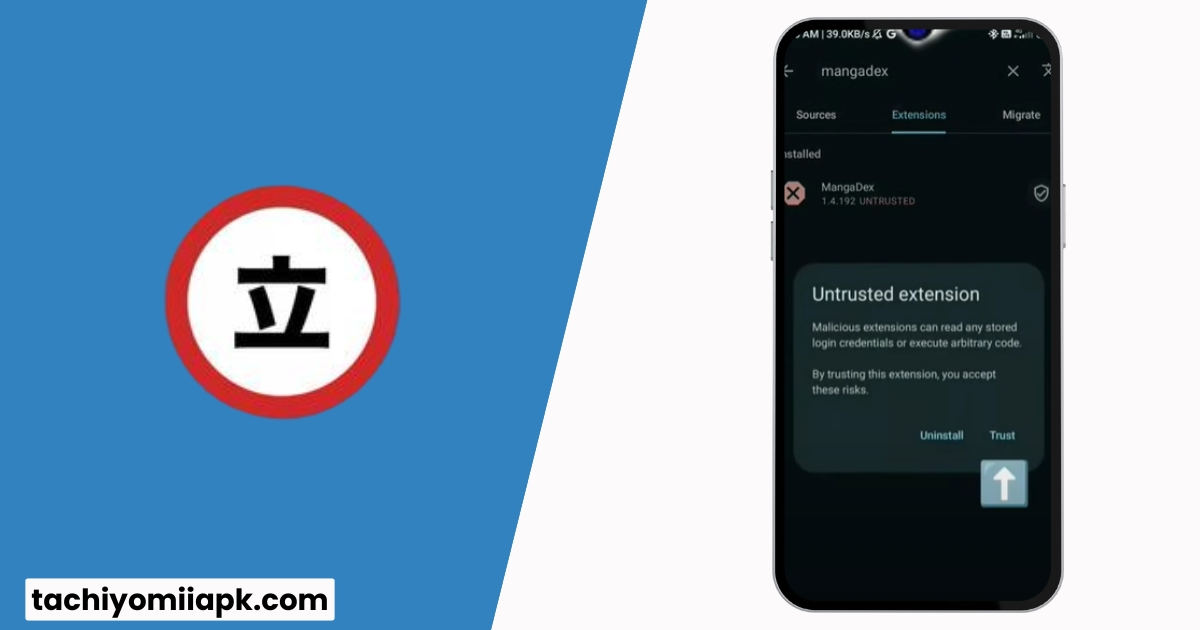
How to Fix Tachiyomi Extensions Issues | A Comprehensive 2026 Guide
Tachiyomi is one of the most popular manga reader apps. But many users often face problems with Tachiyomi extensions not working, outdated sources, or annoying errors like “connection closed” or “failed to bypass Cloudflare.” If you’re struggling with these issues, don’t worry.
In this step-by-step Tachiyomi Extension Issues guide, we’ll cover every fix you need. From fixing obsolete extensions to solving DNS and Cloudflare errors, you’ll find all solutions in one place.
Why Do Tachiyomi Extensions Stop Working?
Before fixing the problem, it’s important to know why it happens.
Once you know the cause, applying the right fix becomes easier.
Common Tachiyomi Extension Issues & Fixes
1. Extensions Have Become Obsolete
When extensions stop working, it usually means the source is gone.
Fix:
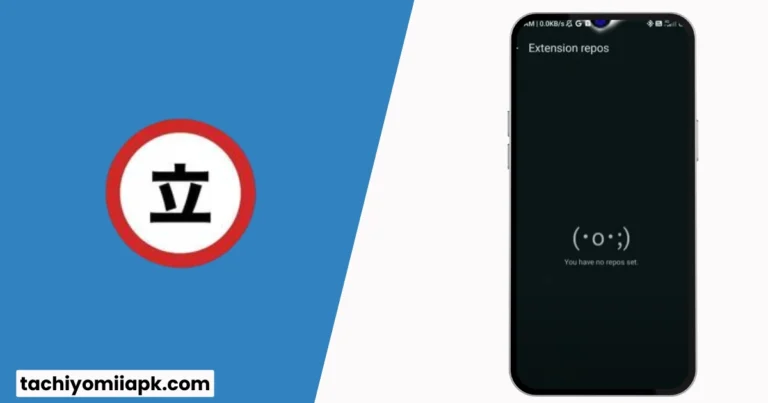
2. Installing Tachiyomi Extensions Revived
The original Tachiyomi repo no longer works. Instead, you need Tachiyomi Extensions Revived.
Fix:
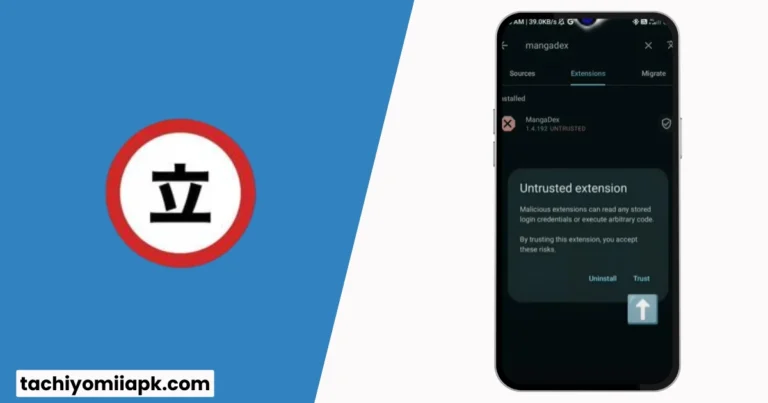
Your extensions should now work again.
3. Fixing Connection Issues (DNS Errors)
Sometimes Tachiyomi fails to load due to DNS problems.
Fix:
This bypasses blocked sources and improves connection stability.
4. Bypassing Cloudflare Errors
One of the most common errors is “Failed to Bypass Cloudflare.”
Fix:
This tricks Cloudflare into allowing access again.
5. Alternative Manga Reader Apps
If Tachiyomi keeps breaking, consider switching to an alternative.
Best Alternatives:
Troubleshooting Table
| Issue | Fix | Difficulty |
| Obsolete Extensions | Add Tachiyomi Extensions Revived | Easy |
| Connection Closed | Change DNS to dns.adguard.com | Medium |
| Failed Cloudflare Bypass | Update User Agent | Medium |
| Manga Source Missing | Switch repo or try an alternative | Easy |
| Tachiyomi Crashes | Clear cache or reinstall | Easy |
Advanced Fixes for Persistent Errors
If the above methods don’t solve your problem:
FAQs | Fix Tachiyomi Extensions Issues
Final Thoughts
After the reading this I hope you can Fix Tachiyomi Extensions Issues easily and quickly with simple guide. Tachiyomi is powerful, but extension errors can be frustrating. Luckily, with Tachiyomi Extensions Revived, DNS fixes, Cloudflare bypass methods, and alternative apps like Meon, you’ll always have a way to keep reading your favorite manga.